
SIM Card Korea iPhone: Newer US Models Need an eSIM
 AI-generated image
A US-sold iPhone 14 or newer has no physical SIM tray, so a Korean SIM for it has to be an eSIM, not a plastic card from the airport or a convenience store. Planning a SIM card Korea iPhone setup comes down to two checks. One is where your phone was sold. The other is whether a carrier has locked it. The rest of this guide sorts out which path fits your phone.
US-sold iPhone 14 and newer: no SIM tray, so Korea means eSIM
 AI-generated image
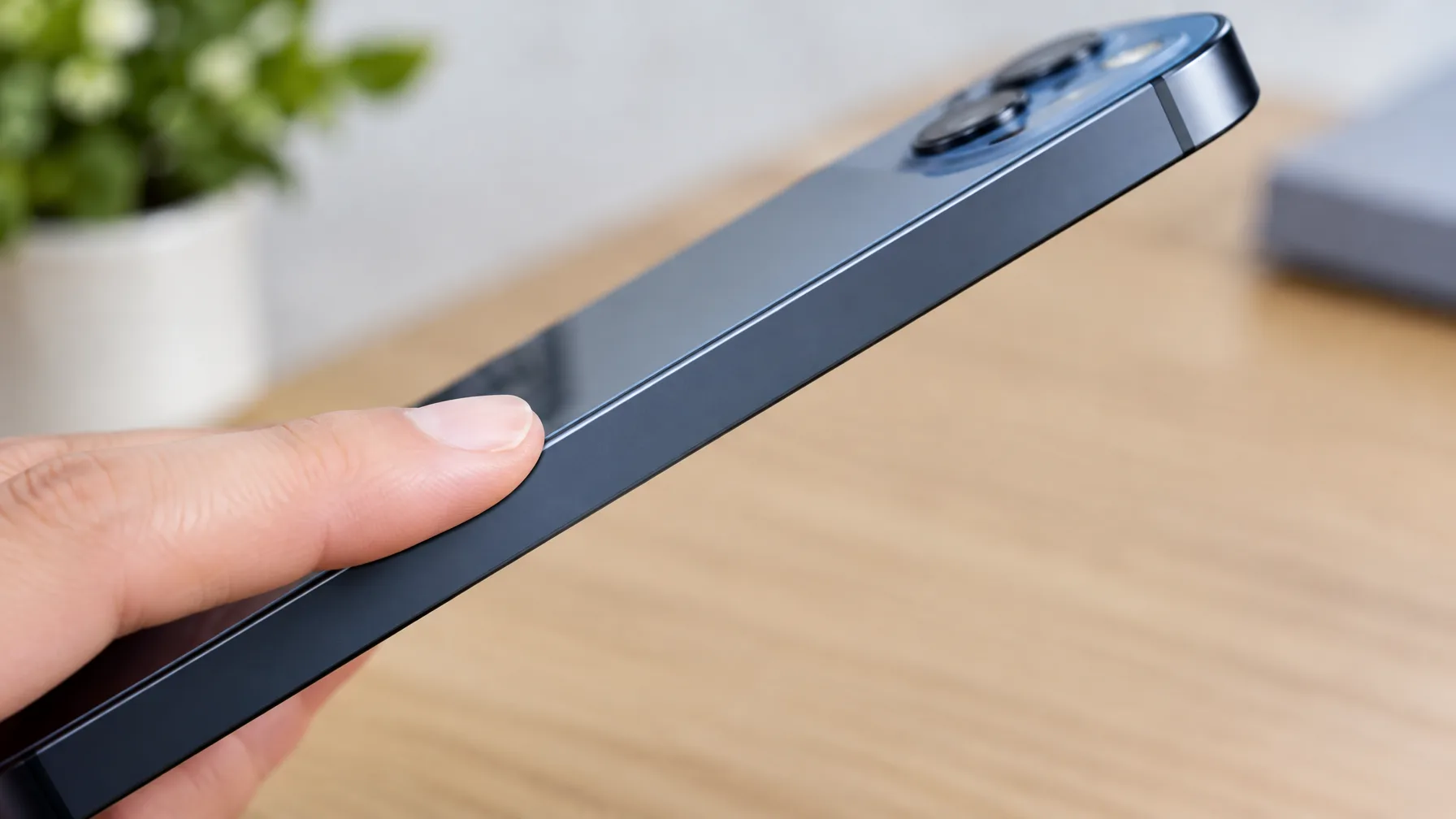
Run your finger along the side of a US-bought iPhone 14 or later and you will not find a tray. These phones only take an eSIM, which is a SIM stored on the phone itself instead of on a card. Some people bought a US iPhone 15 and hoped to pop in a Korean card. They were told there is no physical SIM option at all.
Can you use a US phone in South Korea? This guide follows that route.
Why a US iPhone has no SIM card slot
 AI-generated image
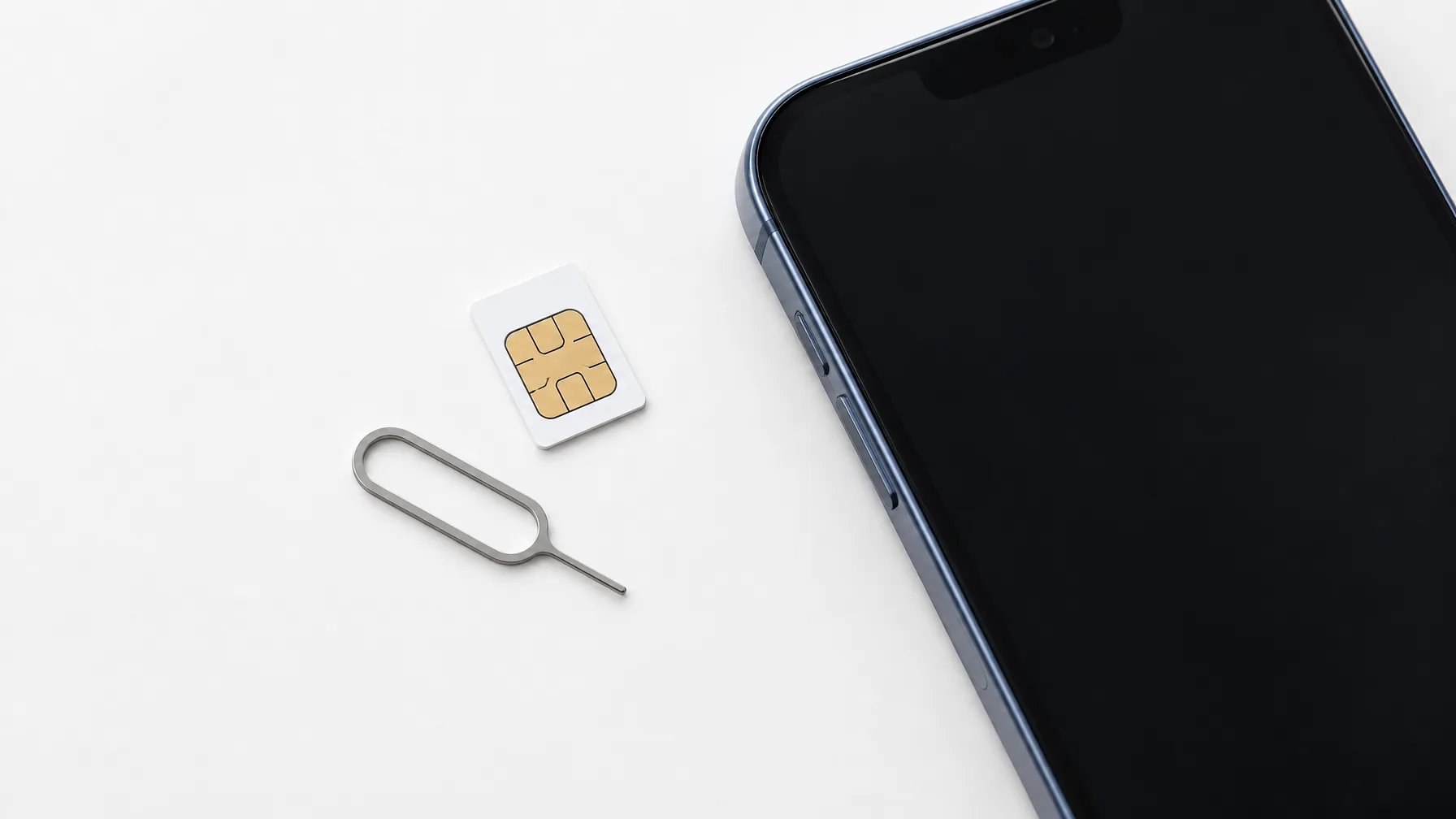
Apple added eSIM to the iPhone XS and iPhone XR in 2018, but those phones still had a tray for a regular card. The first iPhones with no tray at all were the US-sold iPhone 14 and iPhone 14 Pro, announced in 2022. Every US iPhone since then has followed that design.
The change is a US thing. Outside the US, Apple keeps selling every iPhone model with physical SIM support. So a phone bought in another country can still take a card. An eSIM itself is software built into a chip that cannot be removed. One phone can store 20 or more eSIM plans, though only one or two run at the same time.
Setting up a travel eSIM takes a QR code and one settings screen
 AI-generated image
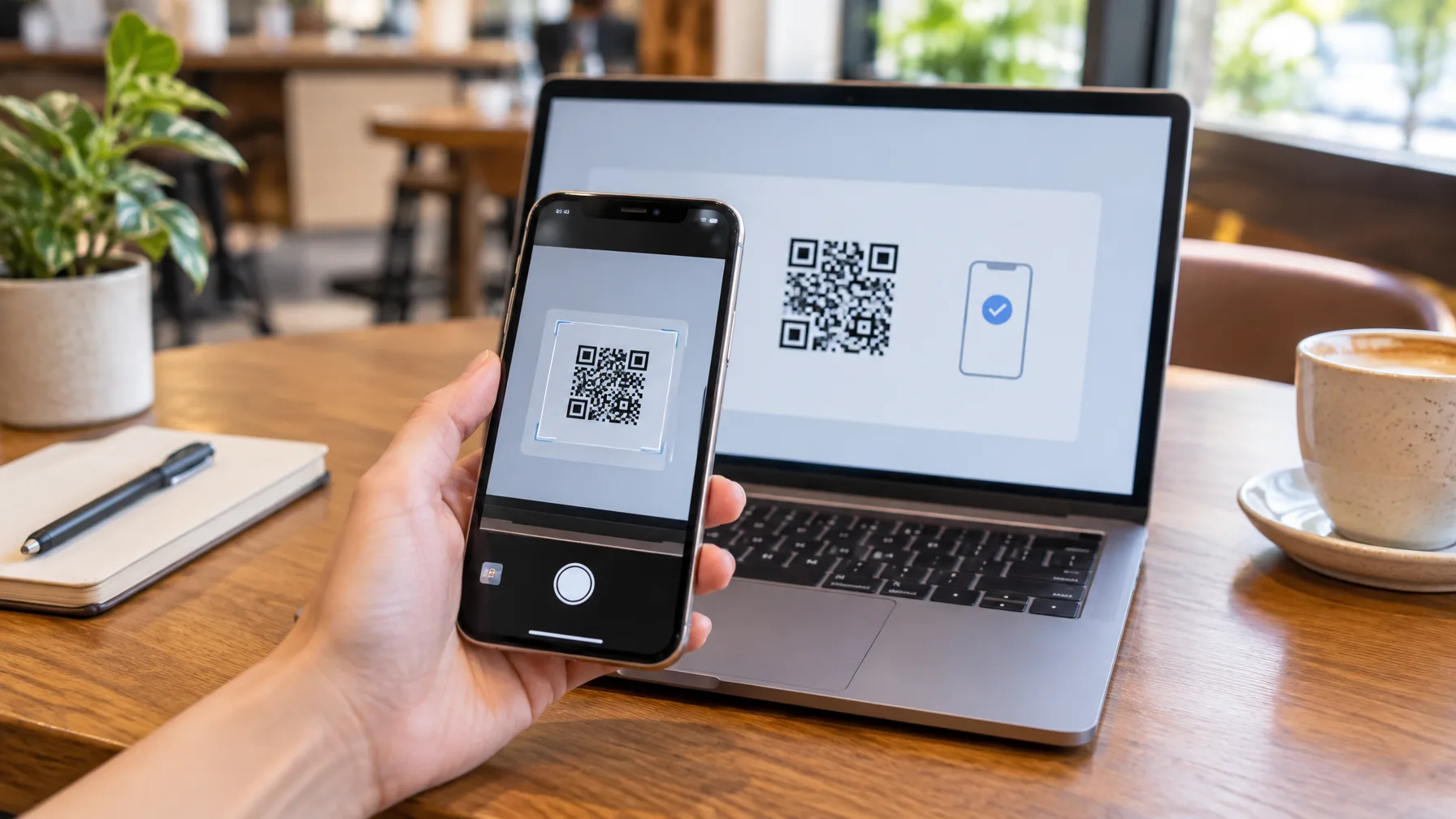
There is no card to swap and no counter to queue at. You buy and activate a Korea eSIM tourist plan online, and it is ready right away. Here is the order that works for a first-timer.
- Buy a Korea eSIM plan online before you fly.
- Scan the QR code you receive to add the eSIM to your iPhone.
- After you land, open Settings > Cellular.
- Turn on the eSIM line.
- Turn on data roaming for that line.
Install the QR code at home on Wi-Fi if you can, then switch the line on after landing. The data roaming switch is the step people forget, and without it the line stays quiet. Want to compare plans? For the options, see Best eSIM for South Korea Unlimited Data: Korea eSIM.
What a prepaid physical SIM costs at the three carriers
A prepaid SIM card in Korea is the old-fashioned option, and it only makes sense for a phone with a tray. The table lists the 5-day price at each of Korea's three big carriers, and KT is the cheapest of the three.
| Carrier | 5-day prepaid physical SIM |
|---|---|
| SKT | ₩27,500 |
| KT | ₩24,700 |
| LG U+ | ₩27,500 |
If you buy at an airport counter, the staff will set the SIM up for you. The trade-off is a waiting line, and the price runs slightly above what you would pay by ordering online.
Foreigners can buy SIMs at the airport, carrier stores and convenience stores
Foreign visitors can buy local prepaid SIMs at the airport, at carrier stores and in convenience stores. Registration is done with a passport at the time of purchase.
Convenience stores are the one place to be careful. Some of them ask for a Korean ID to register the SIM and may not accept a passport. If you are short on time, the airport counter or a carrier store is the safer pick.
An eSIM works alongside your home SIM, so your US number stays active
An eSIM works alongside your home SIM, so you can use Korean data and still get calls and texts on your US number. This works on iPhone XR and XS and everything newer. A physical SIM works differently. It pushes your home SIM out of the tray. Calls and texts to your US number then stop reaching you.
A tourist SIM also will not give you a Korean phone number. It brings data only, so you need a different plan if you must receive a local call. Korean banks send their codes by text. So people who split their time between the two countries often run a Korean SIM beside a US eSIM.
A carrier-locked phone must be unlocked before any Korean SIM works
A phone locked to a US carrier won't activate a Korean SIM. Ask your carrier to unlock it before you leave. The request can take several business days, so don't leave it for the night before your flight.
Mix-ups that trip up first-timers
The biggest mix-up is thinking a physical SIM is the simple choice. It means powering the phone off, pulling the tray and swapping the card, and sometimes typing in APN settings by hand. An eSIM goes on with a scan.
A SIM card is tiny and easy to drop or bend, and your home SIM could go missing during the swap. On most recent phones, an eSIM is also faster and just as stable as a card. If your iPhone supports eSIM, make it your default.
Pick your path by phone before you pack
| Your phone | What to do |
|---|---|
| US-bought iPhone 14 or newer | eSIM only |
| Model sold outside the US | A physical SIM works |
| Carrier-locked phone | Request an unlock first |
| Physical tourist SIM | Data only, no Korean number |
For a US-bought iPhone 14 or newer, skip the plastic SIM and use an eSIM. Install it by scanning a QR code, then turn on the line and data roaming after landing. Confirm that the phone is carrier-unlocked first.
Comments
No comments yet.