
Can Foreigners Use Kakao Pay? Tourist vs Resident Paths
 AI-generated image
Can foreigners use Kakao Pay? Yes, and the way in depends on whether you are visiting or living in Korea. Tourists can scan Kakao Pay QR codes at participating merchants. They do it through Alipay+ partner apps or the Wise app, with no Korean account. Residents who want their own Kakao Pay need an Alien Registration Card (ARC). They also need a Korean phone number and a Korean bank account. The rest of this guide sorts visitors and residents into the right path and the right backup.
Tourists scan, residents link: pick your route
 AI-generated image
One question sorts everyone: do you hold an ARC? If you don't, you are on the tourist path. You pay with an app you already have, and you never touch Korean sign-up screens.
If you do hold an ARC, you can build your own Kakao Pay and use it the way Korean friends and coworkers do. That takes a few documents and some patience, which the resident section below spells out.
What Kakao Pay means on a short trip versus a long stay
 AI-generated image
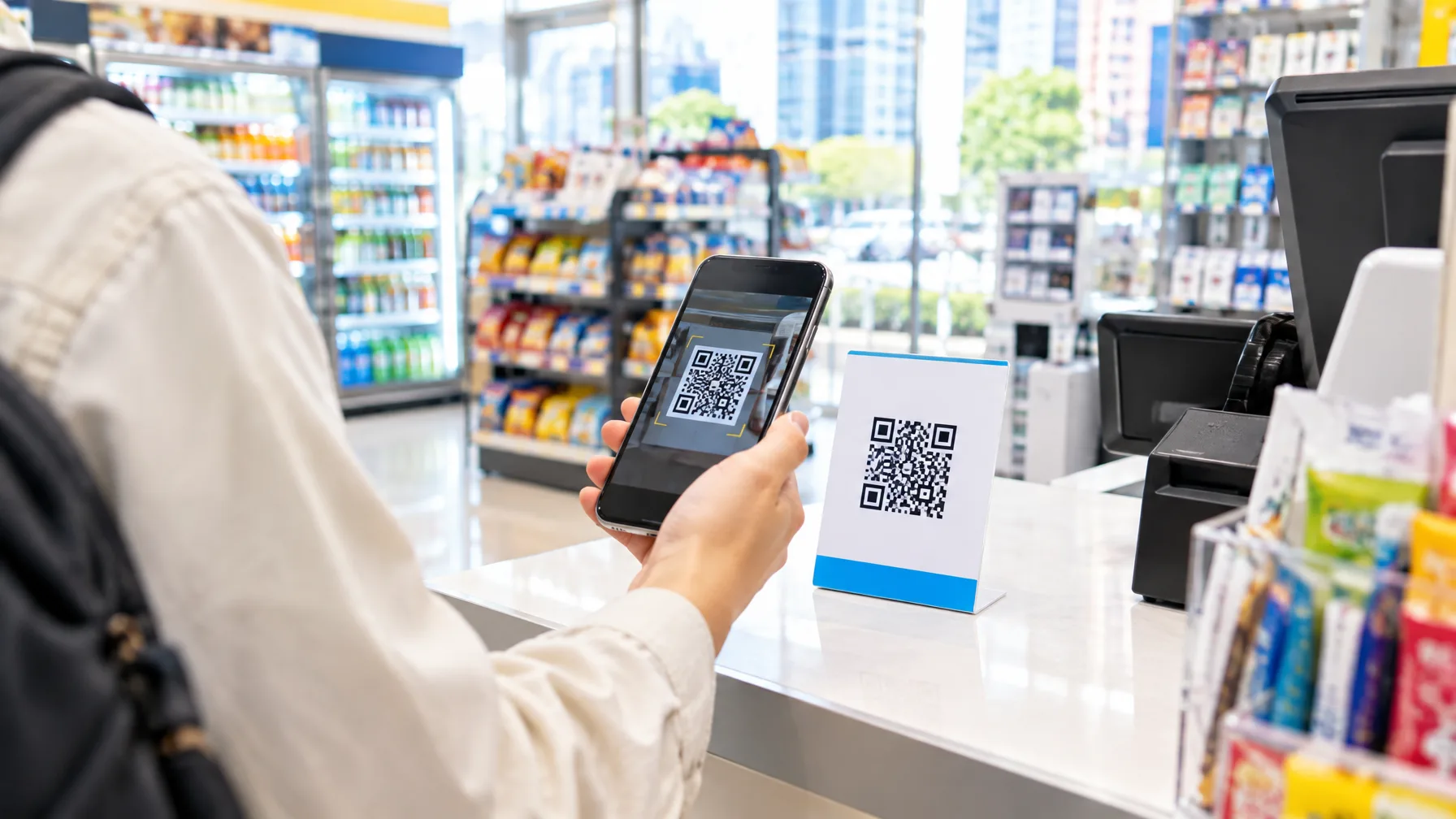
Kakao Pay is a mobile payment app, and in Korea shops often display a QR code you scan with your phone. A tourist using Kakao Pay pays at those codes with a wallet brought from home. Kakao Pay supports several overseas mobile payment systems. Visitors can use their home-country apps at participating shops.
For a long-term resident, it means something bigger. You get your own Kakao Pay account, tied to your own Korean bank account. It covers payments, transfers and everyday money tasks. A visitor borrows a payment rail for a week; a resident owns a wallet. Most of the app's services are designed with residents in mind. Some features ask for Korean identity verification, so visitors usually stay on the scanning route.
Why a tourist can scan without signing up
 AI-generated image
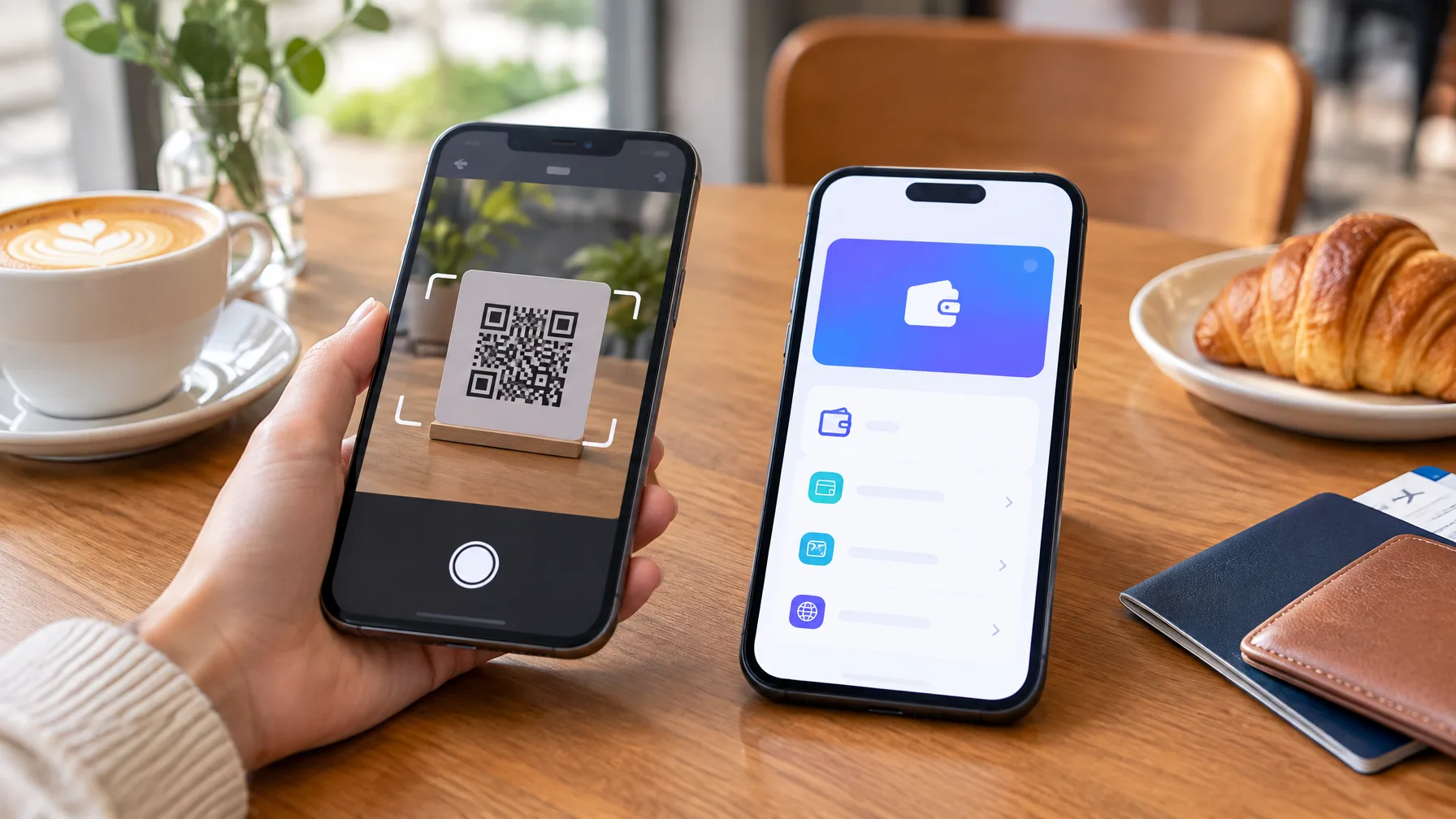
Apps like Kakao Pay generally want domestic details at sign-up. A local phone number or an address is typical. Tourists skip that step, because the code itself takes payments from international partner networks. The Alipay+ network carries cross-border payments to millions of Korean merchant locations. At the terminal, you pay without registering for any Korean account.
Wise is the second door. Open the Wise app and scan a storefront Kakao Pay QR code. If Alipay+ powers that code, Wise pays it. A home-country wallet app that is an Alipay+ partner works the same way.
The practical upside is money you don't have to move first. You pay from your home app, so no local currency is needed. There is no exchange counter stop before your first coffee.
What residents need before linking a Korean bank account
The residents' list has three items. First, an ARC. Second, a Korean mobile phone number that is linked to that ARC. Third, a local bank account you have already opened. With all three verified, you can link the checking account to wallets like Kakao Pay, Naver Pay or Toss. That also answers a common question: Naver Pay for foreigners follows the same pattern.
Short-stay visitors find the account route hard. Without an ARC and the other Korean credentials, the resident sign-up path is closed to them.
Setup itself has several steps. You need KakaoTalk first. Then you enter your account details and confirm a small deposit. After that you verify your phone number and set a security PIN. Verification can fail even when the phone is in your name. The carrier record, your stay record, your Kakao account and your bank details all have to match. Some foreign customers are asked for face verification as well. Linking an account or card still goes through the bank's or card company's own approval.
Fees: free at home, possible extras from abroad
For consumers, domestic payments in Korea generally carry no fee. A payment that goes through an international route may carry extra charges. A resident paying from a Korean bank account is on the domestic side. A tourist paying from a foreign wallet may be on the international side.
Read the confirmation screen in your home app or Wise before you approve.
Where scanning fails and what to carry
The biggest mistake is assuming every QR code will take your app. Foreign use works only at participating merchants, and not every vendor supports cross-border QR payments. Smaller stalls, rural businesses and places that accept only local Korean payment apps are the likeliest gaps.
A second mistake is trusting that a foreign credit card will work in every app. Overseas card support varies by service and by merchant, and nothing guarantees it. A third is thinking a tourist can open a Kakao Pay account in a few taps. The resident sign-up needs those Korean credentials.
So pack for the places where scanning fails. This is the short backup kit:
- A physical card that works abroad
- Some Korean won in cash for smaller stalls and rural shops
- Your home wallet app or Wise installed and ready before you land
How much cash is enough? That is covered in Cash Payment Korea: Carry Only a Little Won for Markets.
Residents get an English app through Global Home
Foreign users have long struggled with Korean-language menus and navigation. Kakao Pay's answer is a feature called Global Home, designed for foreigners living in Korea. It is available in English, Chinese and Vietnamese, and more languages are planned. If your first language is something else, you are not covered yet.
The home screen is simplified. Core services such as money transfer, payments and the transit card sit up front. Securities accounts and some insurance products, which foreign residents can't use, are left off the screen. Eligibility, supporting institutions and screens can still vary by product, and not every feature is open to every resident.
Comments
No comments yet.